columnsToScale = ['temp','hum','windspeed']

scaler = StandardScaler()

train_set[columnsToScale] = scaler.fit_transform(train_set[columnsToScale])
test_set[columnsToScale] = scaler.transform(test_set[columnsToScale])
train_set[columnsToScale].describe()
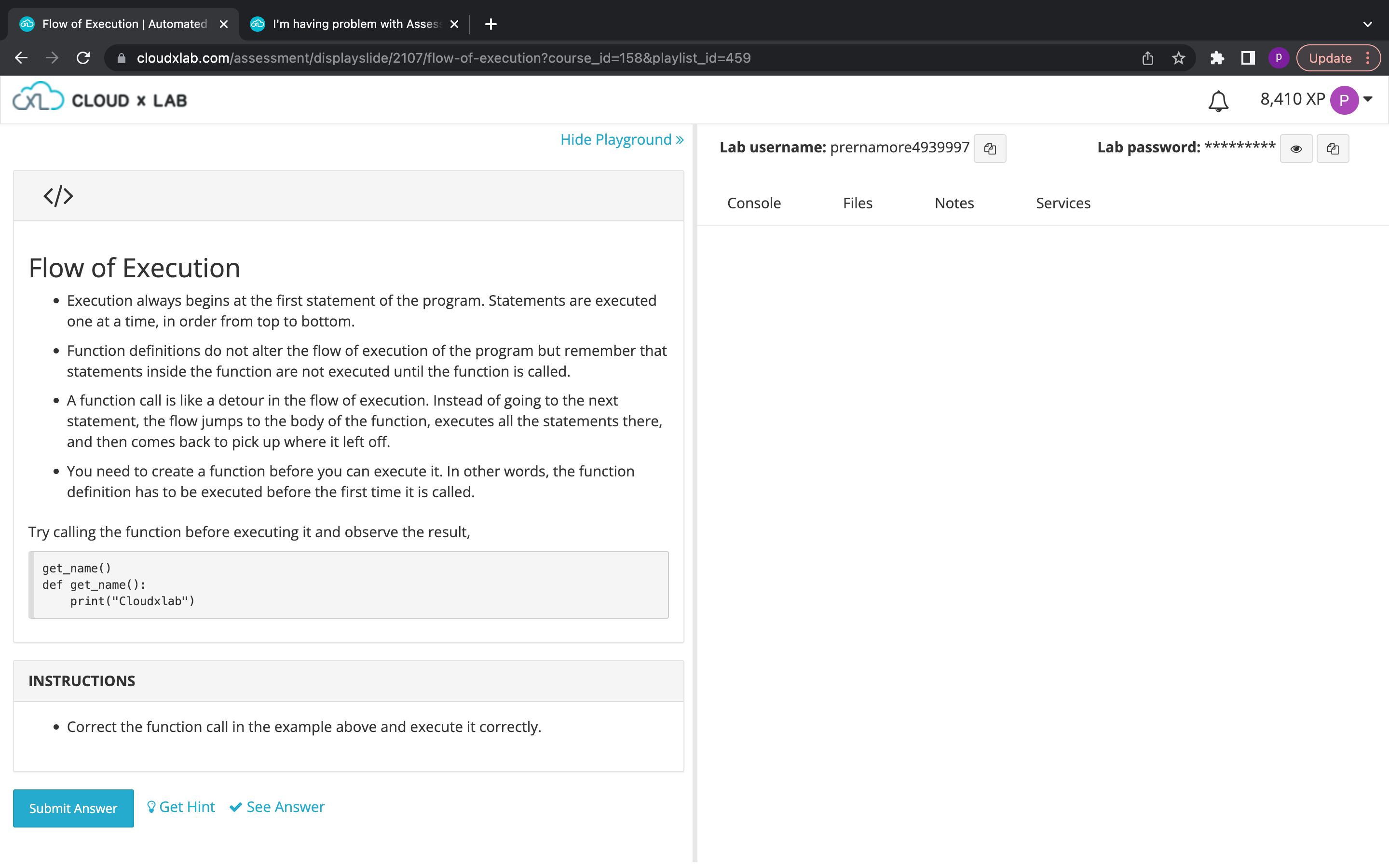
Hi,
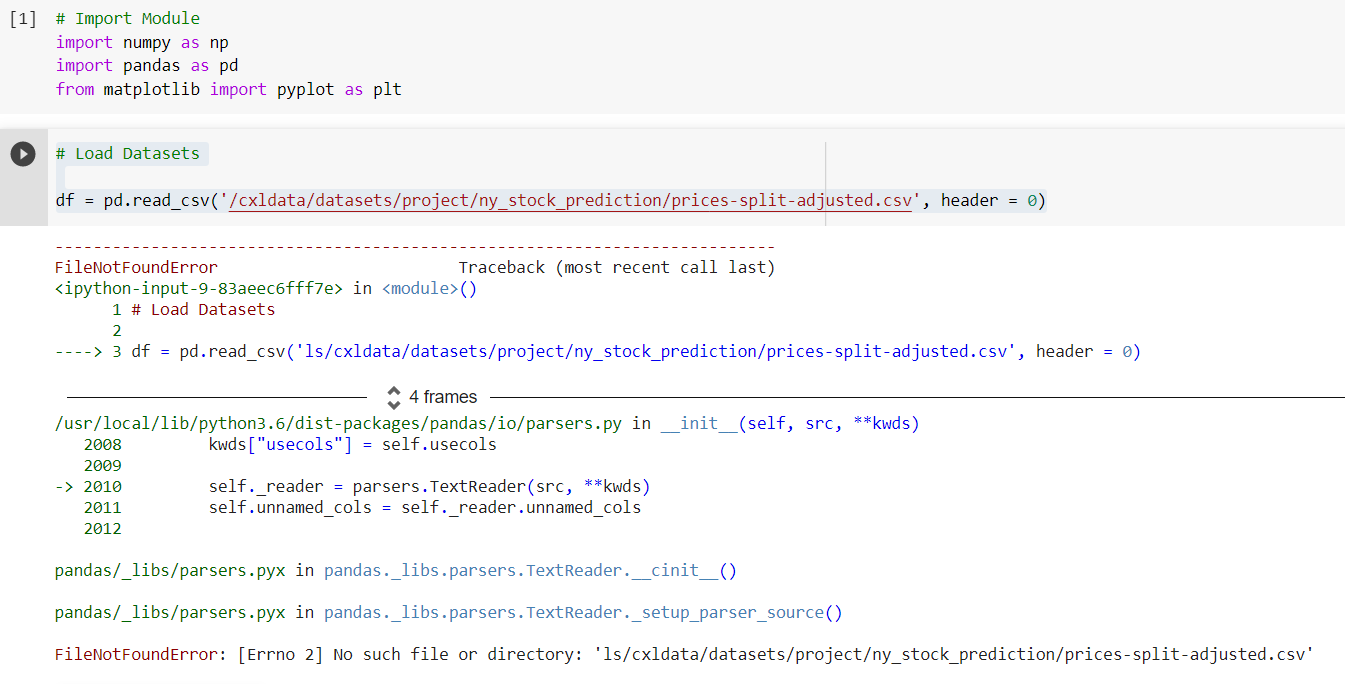
I am having trouble loading the data.
Load Datasets
df = pd.read_csv(’/cxldata/datasets/project/ny_stock_prediction/prices-split-adjusted.csv’, header = 0)
and I am getting the error below
FileNotFoundError Traceback (most recent call last)
in ()
1 # Load Datasets
2
----> 3 df = pd.read_csv(‘ls/cxldata/datasets/project/ny_stock_prediction/prices-split-adjusted.csv’, header = 0)
4 frames
/usr/local/lib/python3.6/dist-packages/pandas/io/parsers.py in init(self, src, **kwds)
2008 kwds[“usecols”] = self.usecols
2009
-> 2010 self._reader = parsers.TextReader(src, **kwds)
2011 self.unnamed_cols = self._reader.unnamed_cols
2012
pandas/_libs/parsers.pyx in pandas._libs.parsers.TextReader.cinit()
pandas/_libs/parsers.pyx in pandas._libs.parsers.TextReader._setup_parser_source()
FileNotFoundError: [Errno 2] No such file or directory: ‘ls/cxldata/datasets/project/ny_stock_prediction/prices-split-adjusted.csv’
Please remove “ls” from the beginning of the file name.
Hi Sandee,
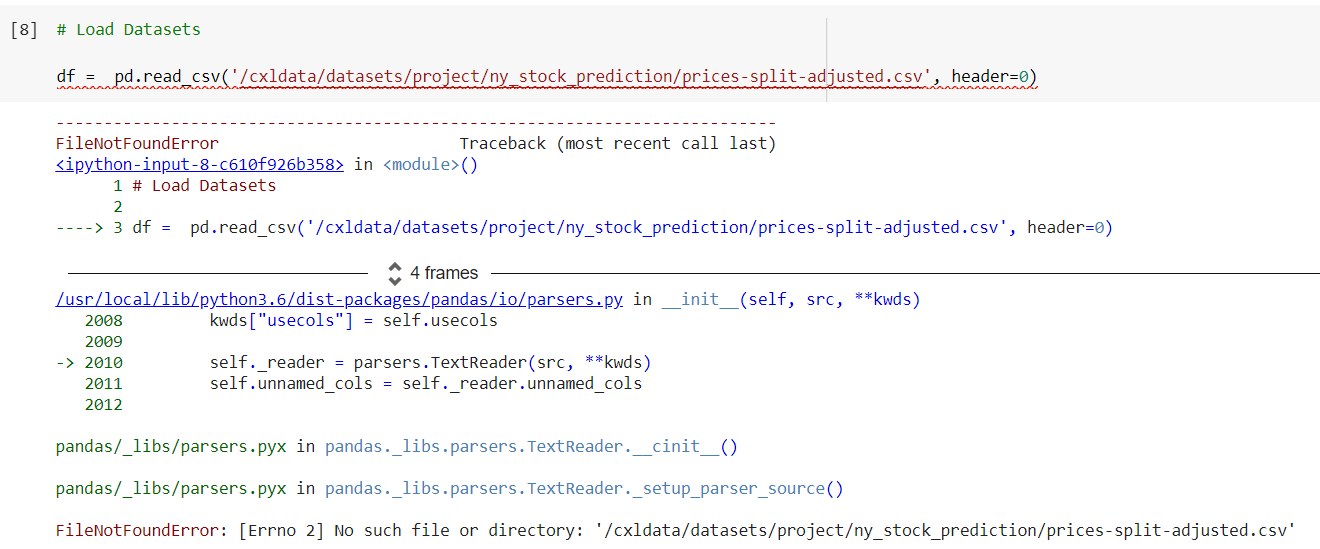
It doesn’t work even if is without the ls. It seems like the file doesn’t exist. Do you downloaded the file ?? mind sharing ?
Submit button is not working
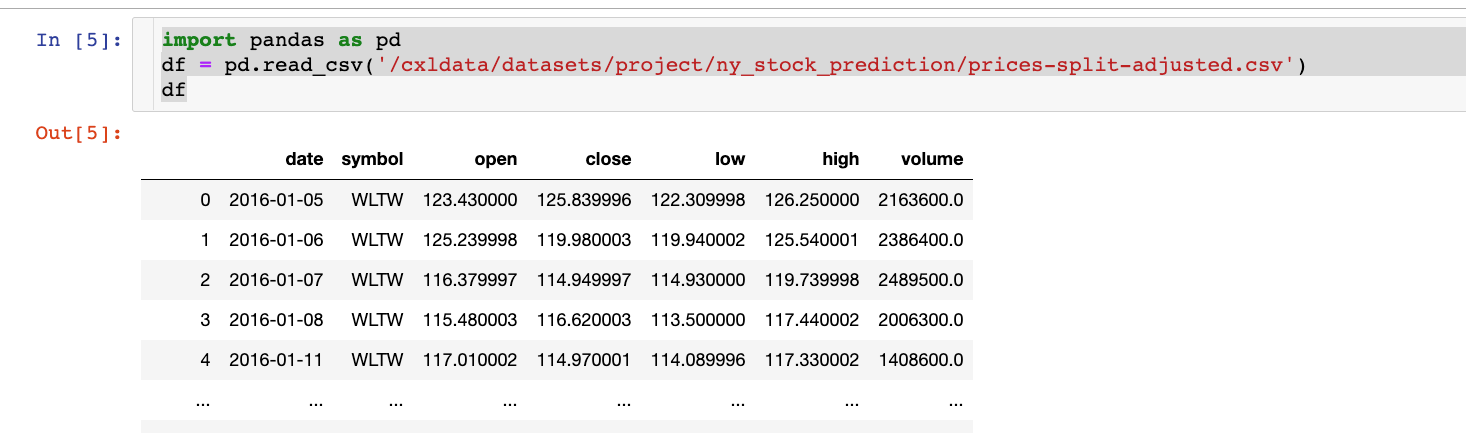
The following code worked for me:
import pandas as pd
df = pd.read_csv('/cxldata/datasets/project/ny_stock_prediction/prices-split-adjusted.csv')
df
Hi,
Could you share the details?
Yes it is good hhhhgff

height = 60
width = 40
new_area_of_rectangle = height * width
print(new_area_of_rectangle)
can you help me with the problem no. 27
This is the above code I have written wrt the problem
height = 1.7
weight = 72.25
bmi = weight / (height * height)
print(int(bmi))
I am facing problem with 28 no. question
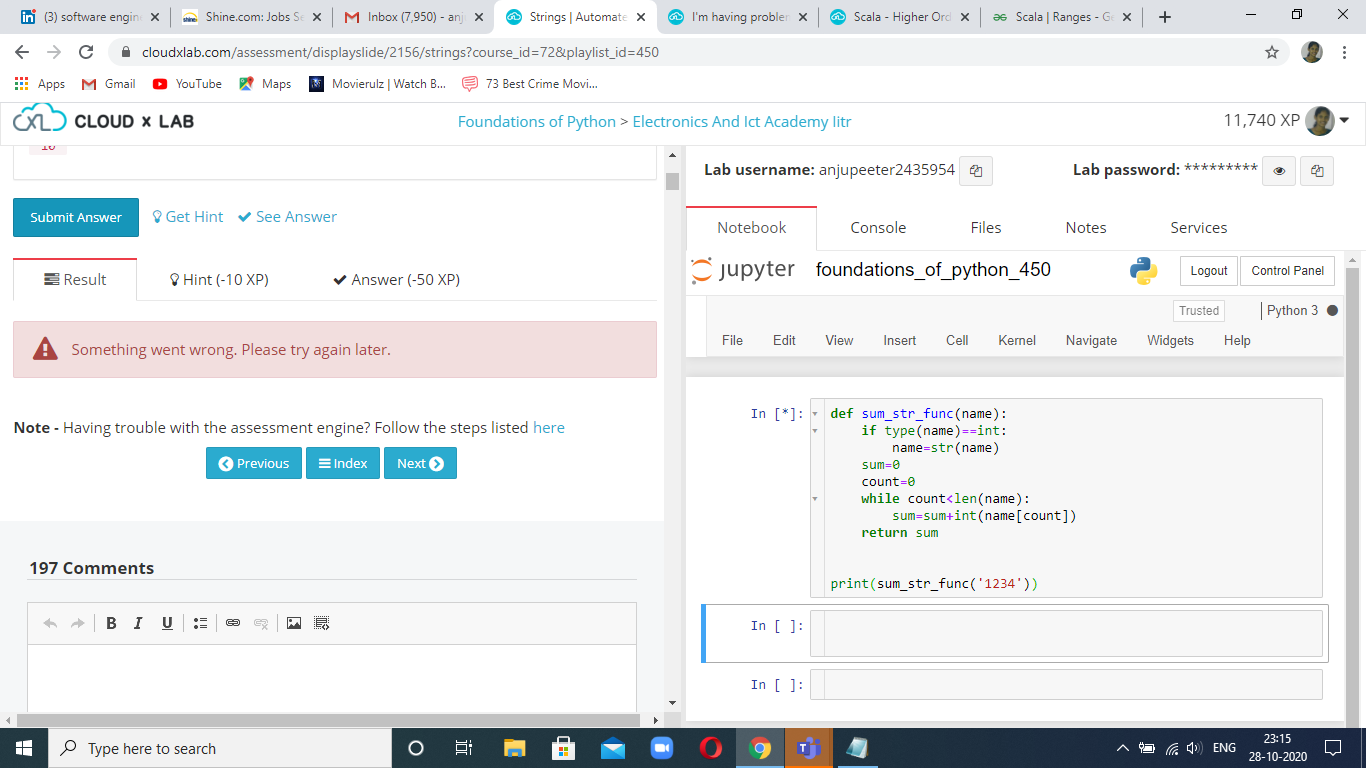
The notebook in my Workspace is not appearing making me unable to solve assessments.
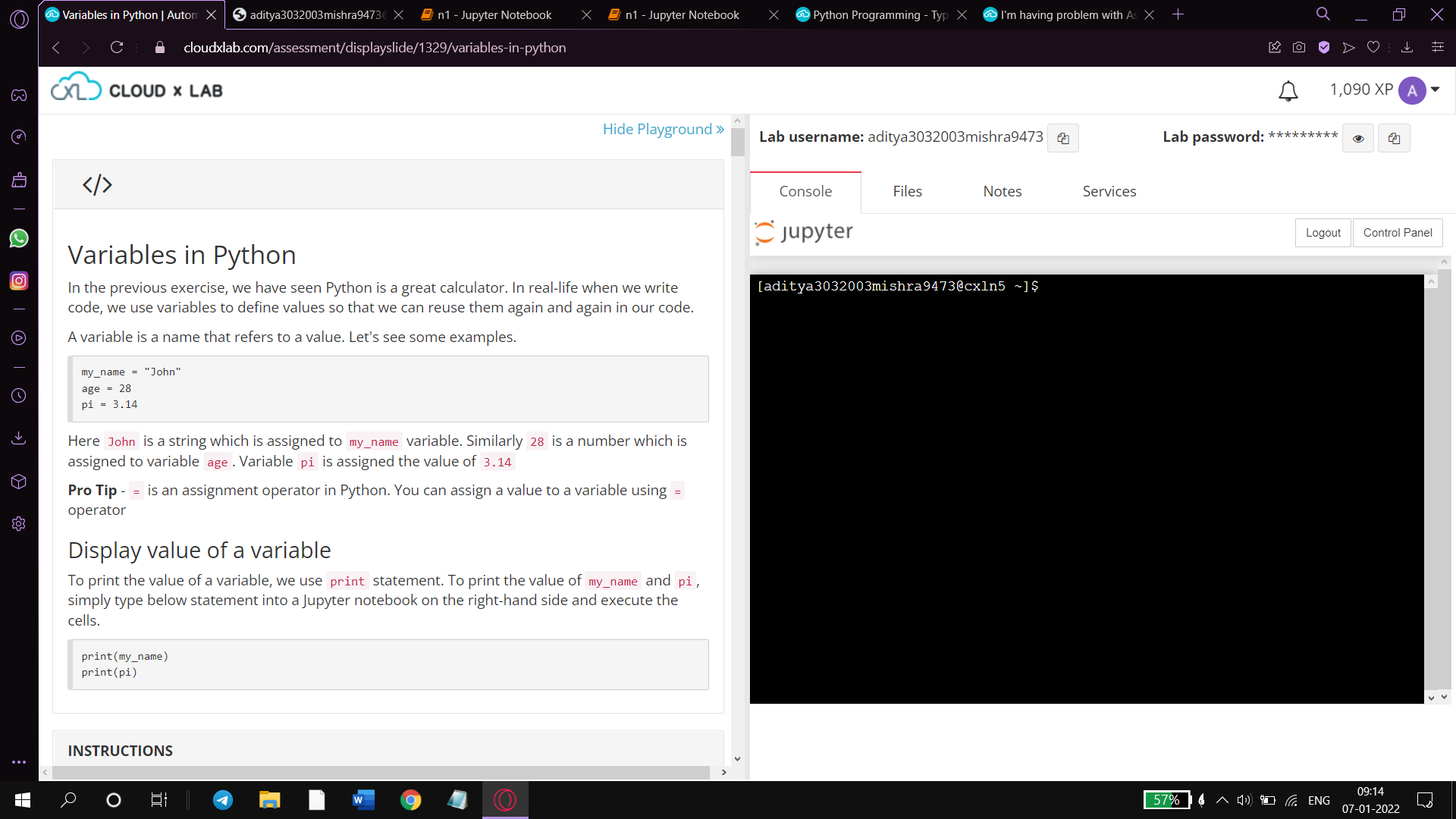
Can you please solve this issue as soon as possible. Same problem is also happening In Chrome.

Hi ,From Today i am not getting the options for MCQ question to select the answers. Please help on this what happened to my account.
Hi,
It’s working fine from my end. Can you please check it again?
I am attempting MCQ on Topic 14 Q 103 (The total market value…) for Advanced AI for Investment course. The correct option is being shown incorrect. In fact, all options are being shown Incorrect. Seems all 4 options are tagged as incorrect by Assessment Engine. Please fix.
Hi Saswata,
Thanks for informing the issue. I have corrected it. Please recheck it.